


AI Design Assistant for Creative Briefs and Image Prompts
Plan images and creative variations with Orlino. Define the message, composition, and constraints, then review each draft against the same brief.
Download OrlinoOne brief. Three directions to explore.
Develop three directions for a cover about focused work. Use a quiet blue-and-white palette, one clear focal point, and space for a short headline. Explain the layout and provide an image prompt for each. Do not add product claims.
Illustrative workflow · not a live response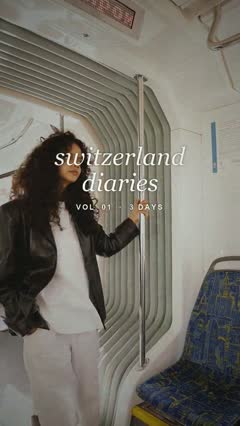
One subject · Blue and white · Space for a headline
A useful result starts with a clear brief.
- 01
Describe the job of the image
State where the image will appear, who will see it, the main message, and the required dimensions. Supply reference material you have permission to use and identify what should be preserved.
- 02
Explore controlled variations
Ask for different compositions or visual directions while keeping the subject and message fixed. Where image tools are available in your account, use the chosen brief as the starting point for a draft.
- 03
Check the finished visual
Inspect text, logos, object details and crop at the size people will actually see. Confirm that the visual communicates the intended idea before making additional stylistic changes.
Before you use the result
- Check legibility at mobile and thumbnail sizes.
- Inspect spelling, logos, and unusual image details.
- Confirm asset rights and the intended crop.
The visual above is an illustrative creative sample, not a live generation. Image creation and editing depend on the model and tools available in your account.
Your next task starts here.
Bring your notes, files, and questions to Orlino. Choose the app for your device.